Turn Images into Text in Notion
It's easy with our free Notion integration
I love using Notion for keeping all my personal and business information in one place.
However, as useful as Notion is, it cannot be denied that it has the visual appeal of an accounting software — especially when using lots of databases.
But thankfully there is a powerful antidote to Notion's drab looks: Images!
Inspired by my wife, Shalveena, I started adding lots of images and photographs to my Notion.
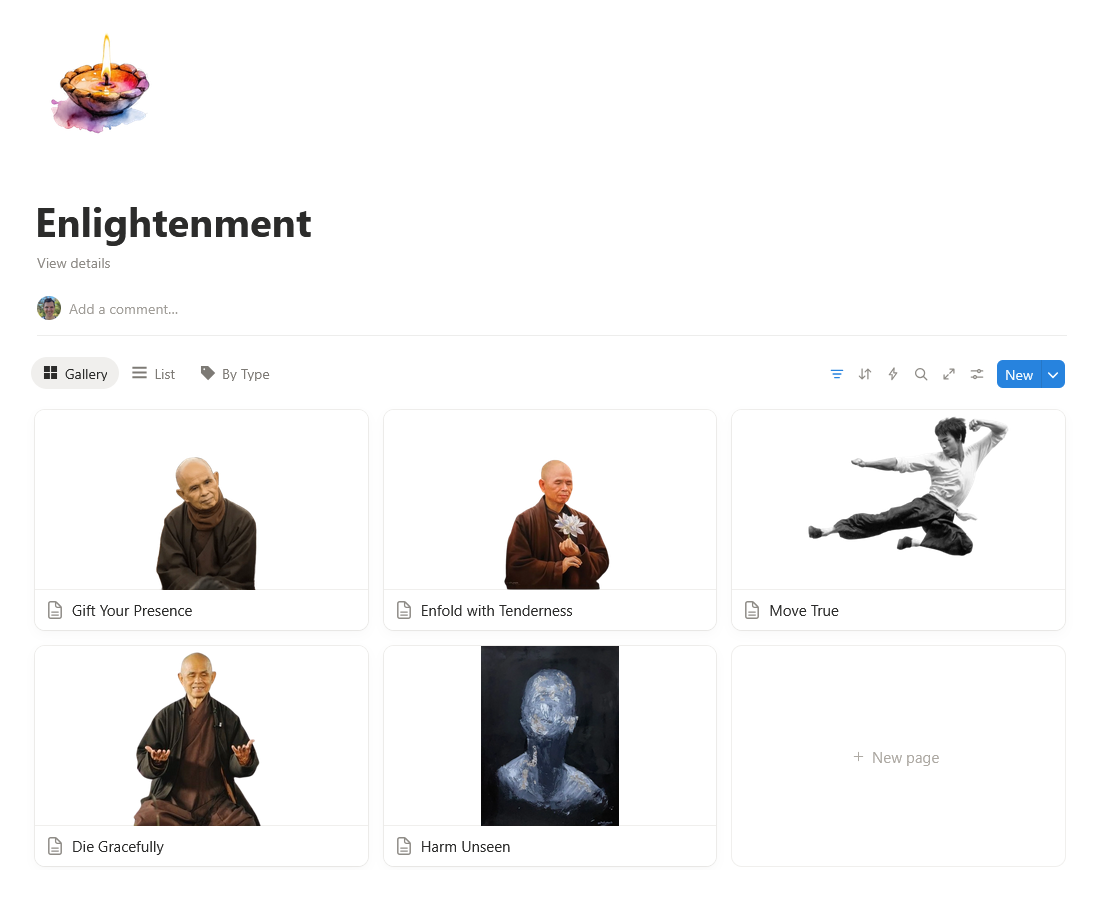
However, having lots of images in Notion created a new problem for me.
Images are essentially invisible to all search features and the Notion and external AI agents.
Thus, I built a 'small' workflow on N8N to turn images into text:
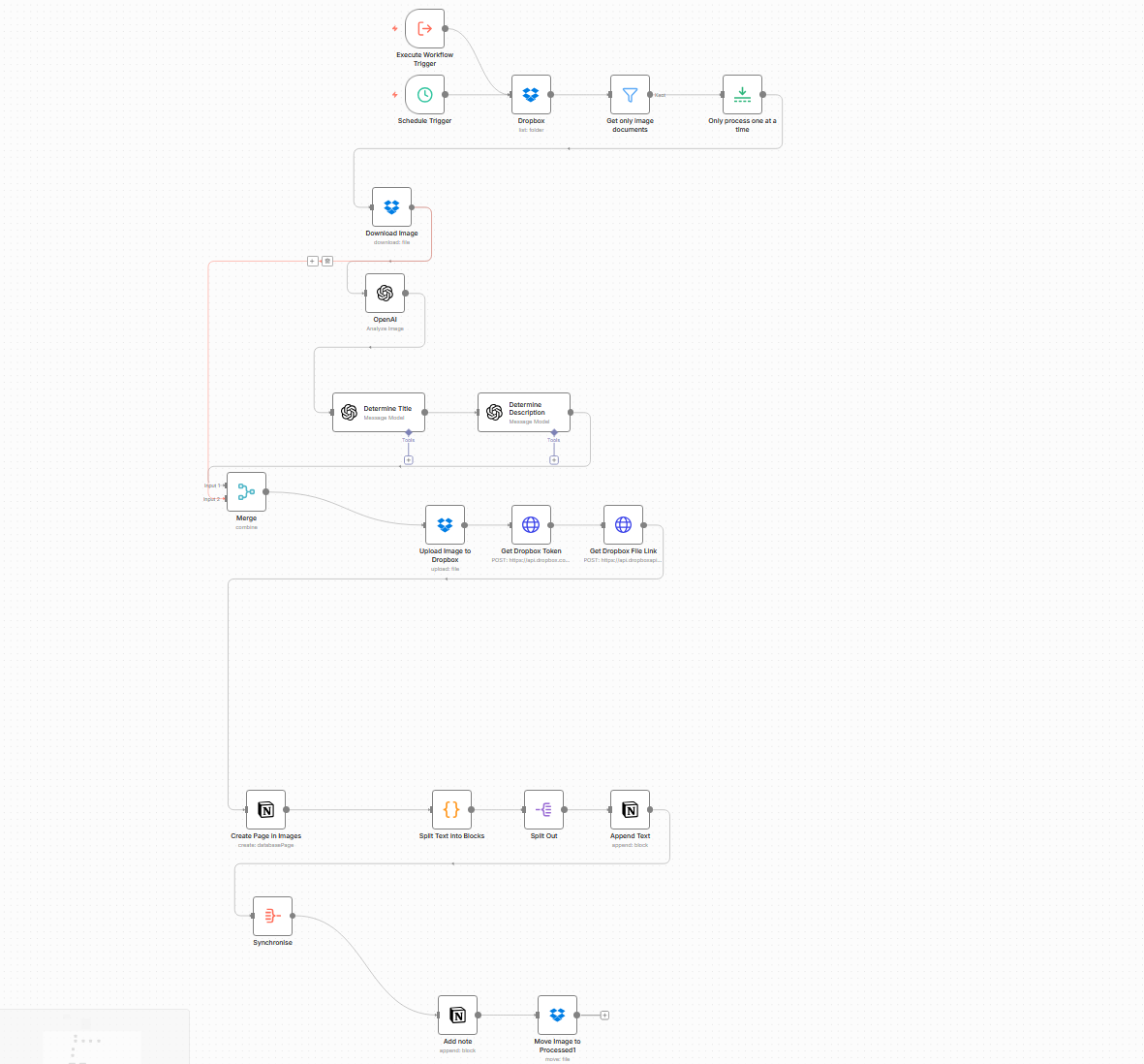
Unfortunately, this workflow was a bit brittle – which got me into trouble with Shalveena, who was also using it.
She asked me to develop a Notion integration to replace our cobbled together workflow.
And after a few weeks of work, I'm happy to report that this integration is completed now:

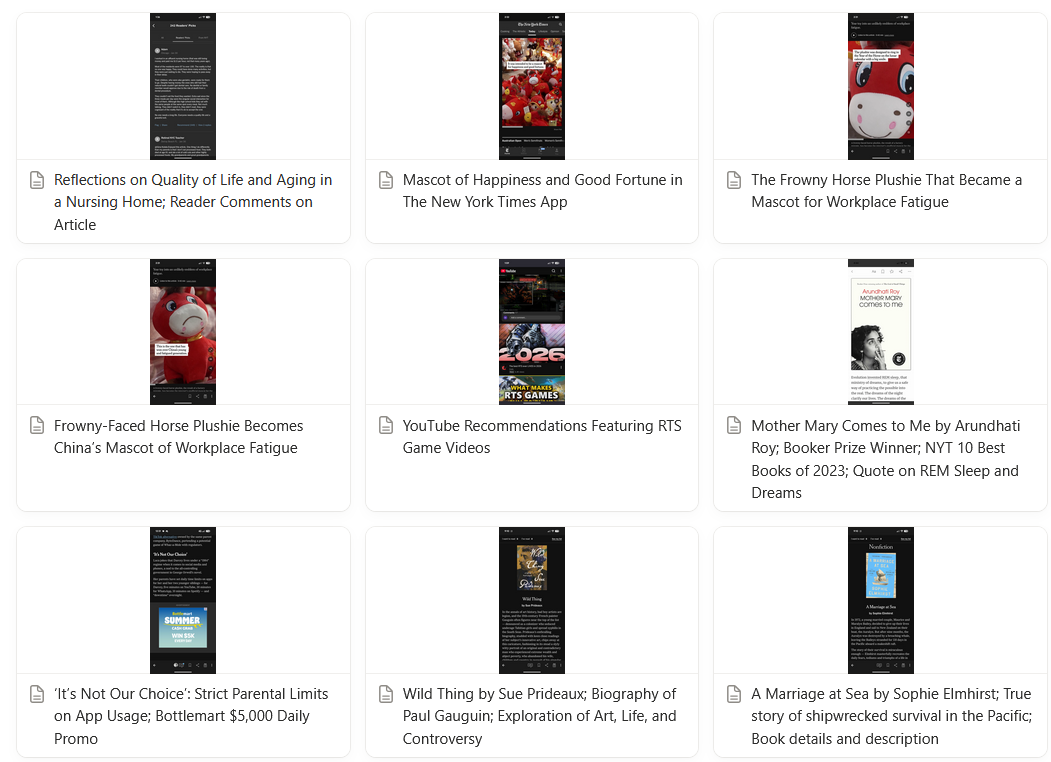
Image Scribe scans Notion databases and will add a description to all the images it finds in the database pages.
This description is then used to set a title for the page.
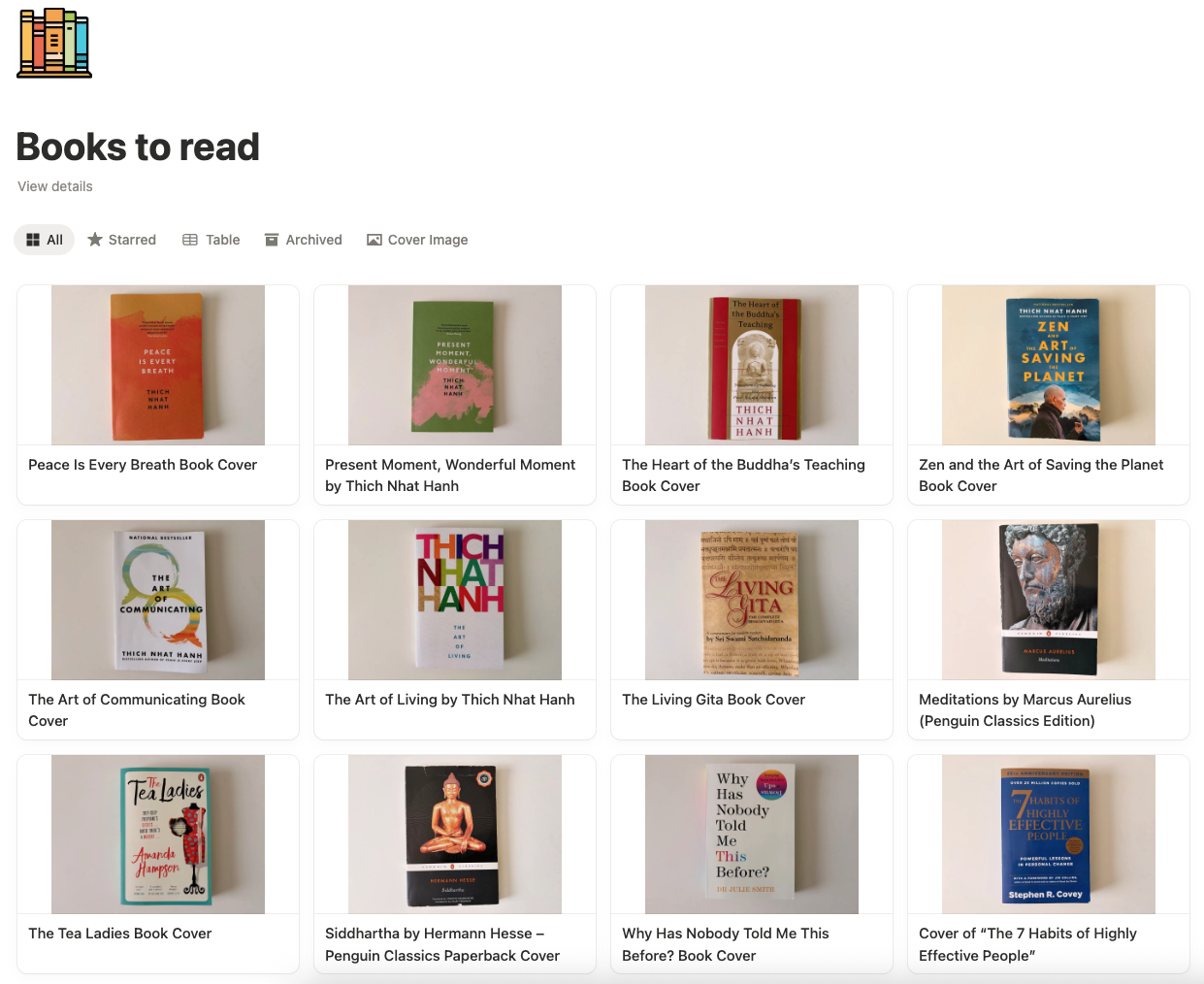
Shalveena for instance wanted to make an ordered list of all the books she wants to read. So she snapped a picture of the book covers of the books that have been languishing in our cupboard.
She then could drag and drop the pictures on a Notion database and Image Scribe added titles for the books:
I use this for an 'Image Inbox' – where I take pictures and screenshots that I later want to add to my collections on Notion.
Saves me a ton of time!
If you think this could be useful to you, you can sign up for free on image-scribe.com – and be welcome to drop me a message on our contact form or on LinkedIn if you have any questions or suggestions 🤗
 Follow